

You don’t need design experience to create premium custom apparel. With T-Shirt Nation UAE, you can easily design custom t-shirts, hoodies, uniforms, and promotional wear from your phone or laptop. We also offer bulk apparel printing for businesses, events, schools, and corporate branding across the UAE with fast delivery and professional-quality printing.
Table of Contents:
Skip the Print Shop. Become a Designer.
In the past, getting a custom t-shirt in Dubai meant driving through traffic, haggling over minimum order quantities, and praying the final result looked somewhat like your original idea.
Today, the power is entirely in your hands. With advanced online design studios, you can visualize your exact shirt, place your artwork perfectly, and have it delivered to your door in days.
Whether you are launching a streetwear brand, outfitting your cafe staff, or just creating a funny birthday gift, here is how to design your custom t-shirt online flawlessly.
Step 1: Choose Your Canvas (Don't Ignore the Fabric!)
A great design on a terrible shirt is still a terrible shirt. Before you upload any artwork, select the right garment for the UAE climate.
- For Daily Wear & Events:Choose the Premium 180 GSM Round Neck T-Shirt. Made from 100% combed cotton, it is breathable enough for Dubai summers but thick enough to hold its shape and feel luxurious.
- For Corporate & Hospitality: Select a Polo Shirt for a sharper, more uniform look.
- For Winter/AC Chills: Pick a Hoodie or Sweatshirt for maximum coziness.
Step 2: Prep Your Artwork Like a Pro
The #1 reason custom shirts look blurry or pixelated is bad file quality. Follow these golden rules before you open the design tool:
- Resolution is King:Ensure your image is high-resolution (at least 300 DPI). If it looks blurry on your phone screen, it will look blurry on a t-shirt.
- Ditch the Background:Use a PNG file with a transparent background. If you upload a JPEG with a white background, a white box will be printed onto your shirt.
- Vector is Better:If you have them, vector files (SVG, AI, EPS) scale infinitely without ever losing quality.
Step 3: Launch the Online Design Studio
Click “Customize Now” on your chosen product to enter the digital studio.
- Upload: Drag and drop your logo or artwork onto the virtual shirt.
- Positioning:Use the gridlines to center your design. Keep chest logos around 3.5 to 4 inches wide. Full front designs look best around 10 to 12 inches wide.
- Add Text: Don't have a logo? Use the built-in font library to type out your message, adjust the curve, and change the colors.
- Use Templates: Browse the pre-loaded icons, graphics, and templates to build a design from scratch right inside the tool.
Step 4: Review Your Masterpiece
Take advantage of the live mockup feature. Flip between the front and back views. Ask yourself:
- Is the logo too high or too low? (Standard chest placement is about 3 fingers below the collarbone).
- Does the ink color contrast well with the shirt color? (Avoid dark navy ink on a black shirt).
Step 5: Checkout & Let the Experts Print
FAQ
No problem. Our online design tool comes fully loaded with a massive library of free templates, graphics, and premium fonts. You can build a professional-looking design from scratch right on our website in minutes.
You have full creative control! Our customization tool allows you to switch views and add unique designs, text, or logos to the front, the back, and even the sleeves of the garment.
Yes, the live mockup is highly accurate. However, keep in mind that screen monitors display colors using light (RGB), while printers use physical ink (CMYK). There may be a very slight variance in color tone, but our advanced DTF technology ensures incredibly vibrant and color-accurate results.
Because we move quickly to get your order printed and delivered, production starts almost immediately. If you realize you made a typo or placement error, contact our support team at tshirtnationmanager@gmail.com immediately. If the shirt hasn’t gone to the printing press yet, we can usually pause it!
Absolutely not. You can design and order just one single custom t-shirt. We believe everyone deserves premium printing, whether you are buying 1 shirt for yourself or 500 shirts for your company.
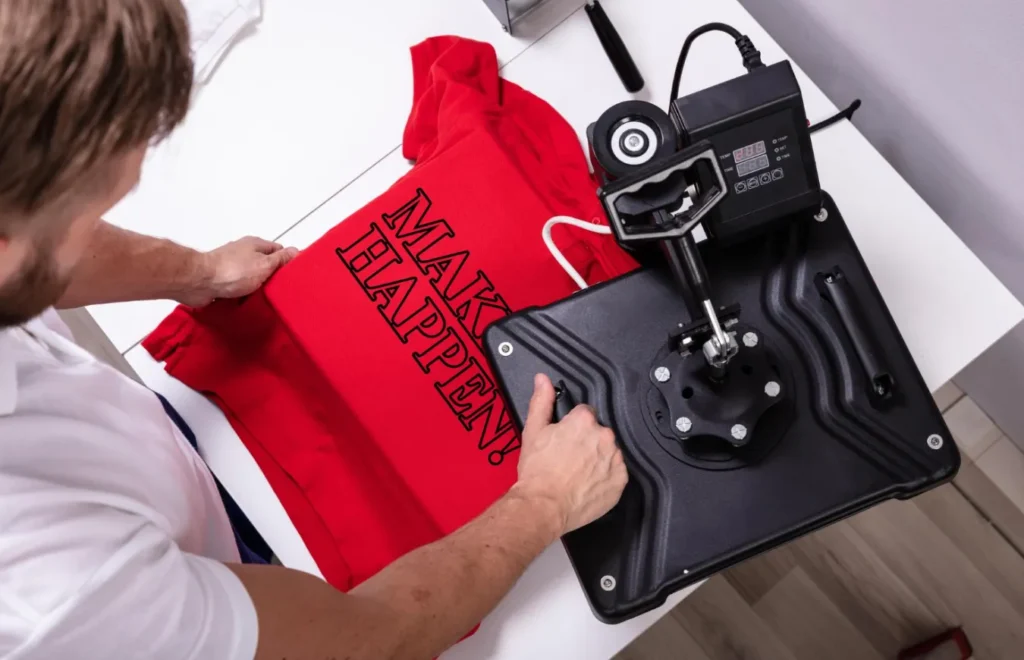
For team jerseys or staff shirts with individual names/numbers, you don’t need to design 20 separate shirts online. Simply design the base shirt, process your order, and reach out to our team with a spreadsheet of the names and sizes. We will use Vinyl Heat Transfer to customize each one perfectly.